

FormVault
Fill PDF forms from a profile you build once, entirely on your phone.
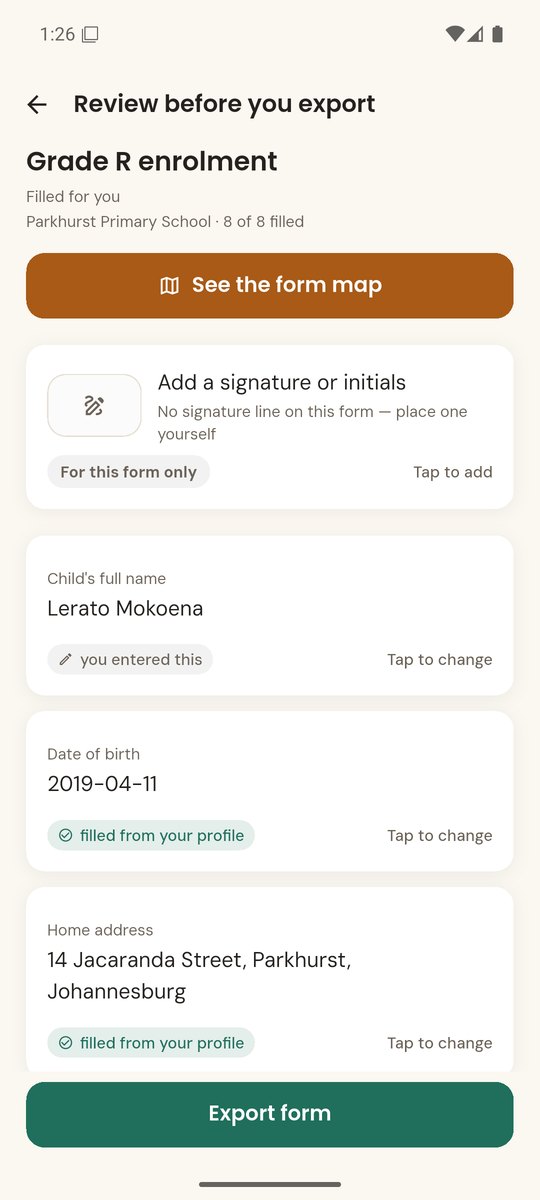
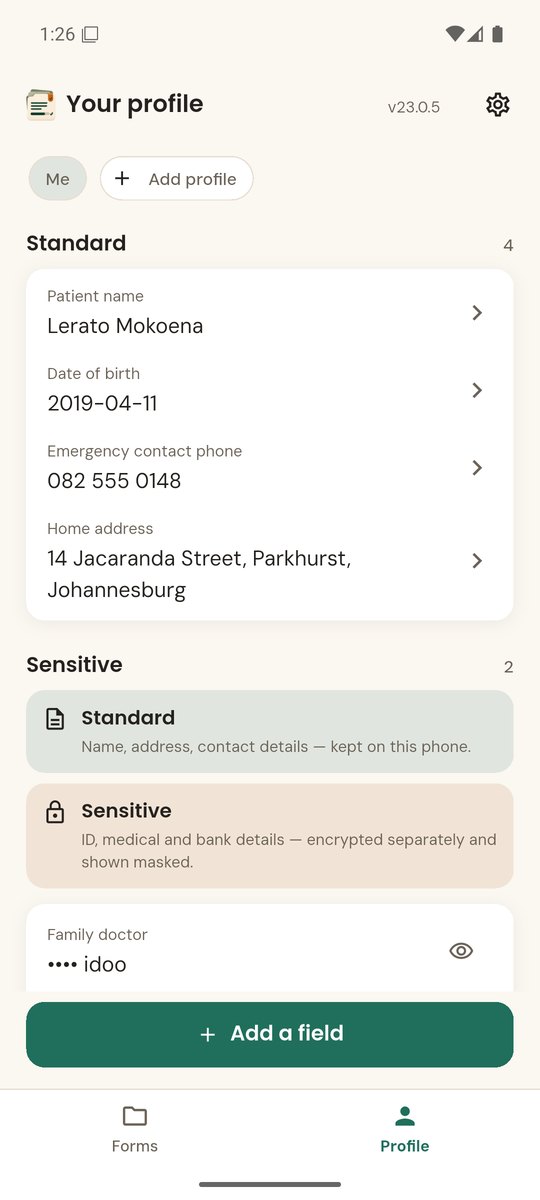
See it in action
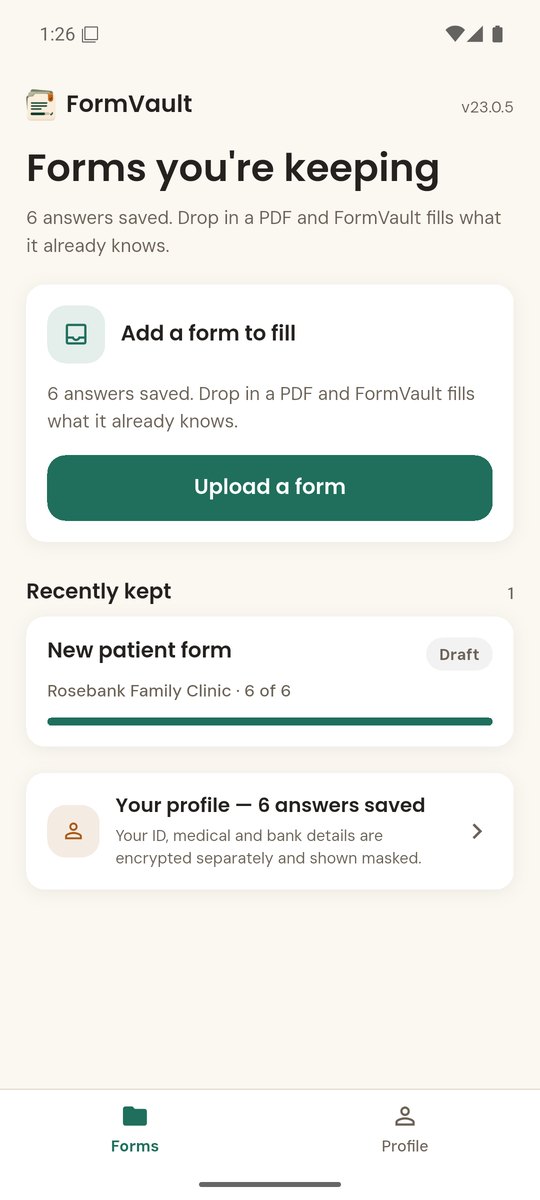
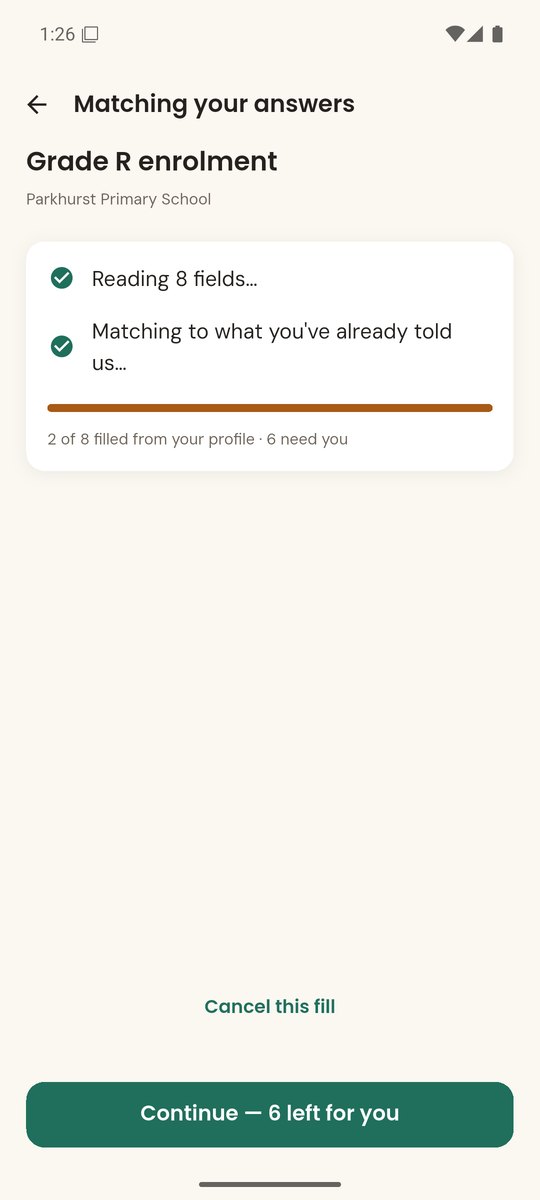
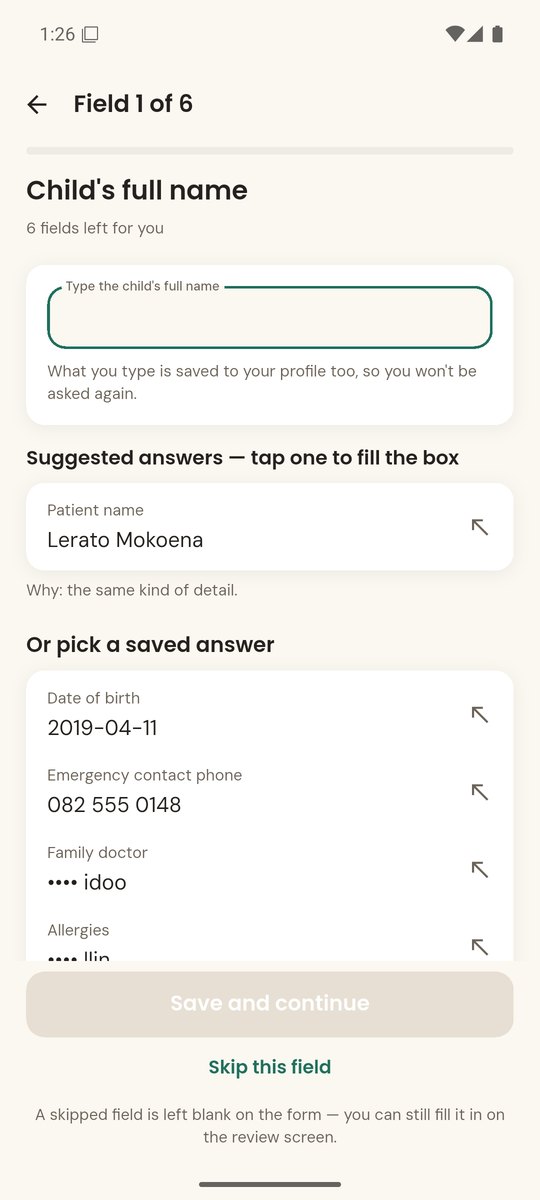
A one-minute walk through FormVault: what it fills, what it asks you about, and what never leaves your phone.
The same details, every form
Medical intake, school enrolment, rental and job applications: the same name, address and date of birth, typed out by hand every time. FormVault fills them in for you.
-
1
Build your profile once
Your name, address, contact details and anything else forms keep asking for.
-
2
Open a fillable PDF
Pick a form from your phone, using your phone’s own document browser.
-
3
It fills what it is sure of
Text, checkbox, radio and choice fields, wherever the match is confident.
-
4
You settle the rest
Every field it could not match is listed, with ranked suggestions and a reason for each.
What it does
Built to save you typing without ever guessing on your behalf.
Honest about the gaps
Fields it cannot fill, such as signatures, are listed and marked for you, never quietly left blank and never signed on your behalf.
Learns from forms you’ve filled
Open a form you have already completed and FormVault shows what is new. Tick the values you want to keep and your profile grows.
Sensitive details protected
ID, medical and financial details get extra encryption and stay masked until your phone’s own screen lock unlocks them.
Password-protected PDFs
When a form is locked, FormVault asks for the PDF’s password and opens it on the device.
Optional smart suggestions
An on-device suggestion model you can choose to add. It downloads only when you ask, shows its size first, and is checked before it is used.
Edit anything, any time
Every value in your profile can be changed or deleted, and FormVault starts completely empty: no demo data, nothing you did not put there.
Private by design
Most form-filling tools ask you to trust a server. FormVault does not have one. Reading the PDF, matching the fields and saving your profile all happen on your phone. There is no account, no upload and no sync.
The only time FormVault contacts a server is the optional suggestion-model download, and only when you tap to fetch it. The full details are in the FormVault privacy policy.
What it works with
This version runs on Android, with an iOS version on the way, and reads fillable PDF forms. If a form has no fillable fields, FormVault says so and lets you tag the fields on the scan yourself.

Try FormVault on your phone
On Google Play now. No account to create, and nothing leaves your phone.